Before conclusions
Check what the data supports and where uncertainty remains.

Before conclusions
How to check what supports your conclusions
1. Perfect accuracy does not exist. Results are affected by the method, sample, and data-collection approach. But with a careful approach, distortions are minimal — and the level of reliability will be more than enough to make a confident business decision.
2. Do not treat research as a source of a ready-made answer. It will provide validated facts that help the team make a balanced decision. But to make that decision, you still need to check against business goals and think carefully about the best way to meet user needs. Figuratively speaking, sometimes when a user asks for a blue button, their real problem may be solved by a green banner.
3. One study is often not enough. To make a balanced and well-founded decision, you usually need different methods and several research rounds.
How to analyze unmoderated research results
- Look at comments or detailed respondent answers if you have them. Remove answers that are clearly random or meaningless. Count how many comments point to problems with the question or layout. If there are many such answers, more than 10%, fix the issue and run the test again. Analyze open comments and create a classification of the most frequent opinions or complaints. Pathway’s AI summary will help you quickly orient yourself around the main themes and sentiment in open comments.
- Evaluate numerical metrics if you received them from the study.
- If you compared variants, report the observed difference and its confidence interval. Check whether the interval includes effects that would change your decision.
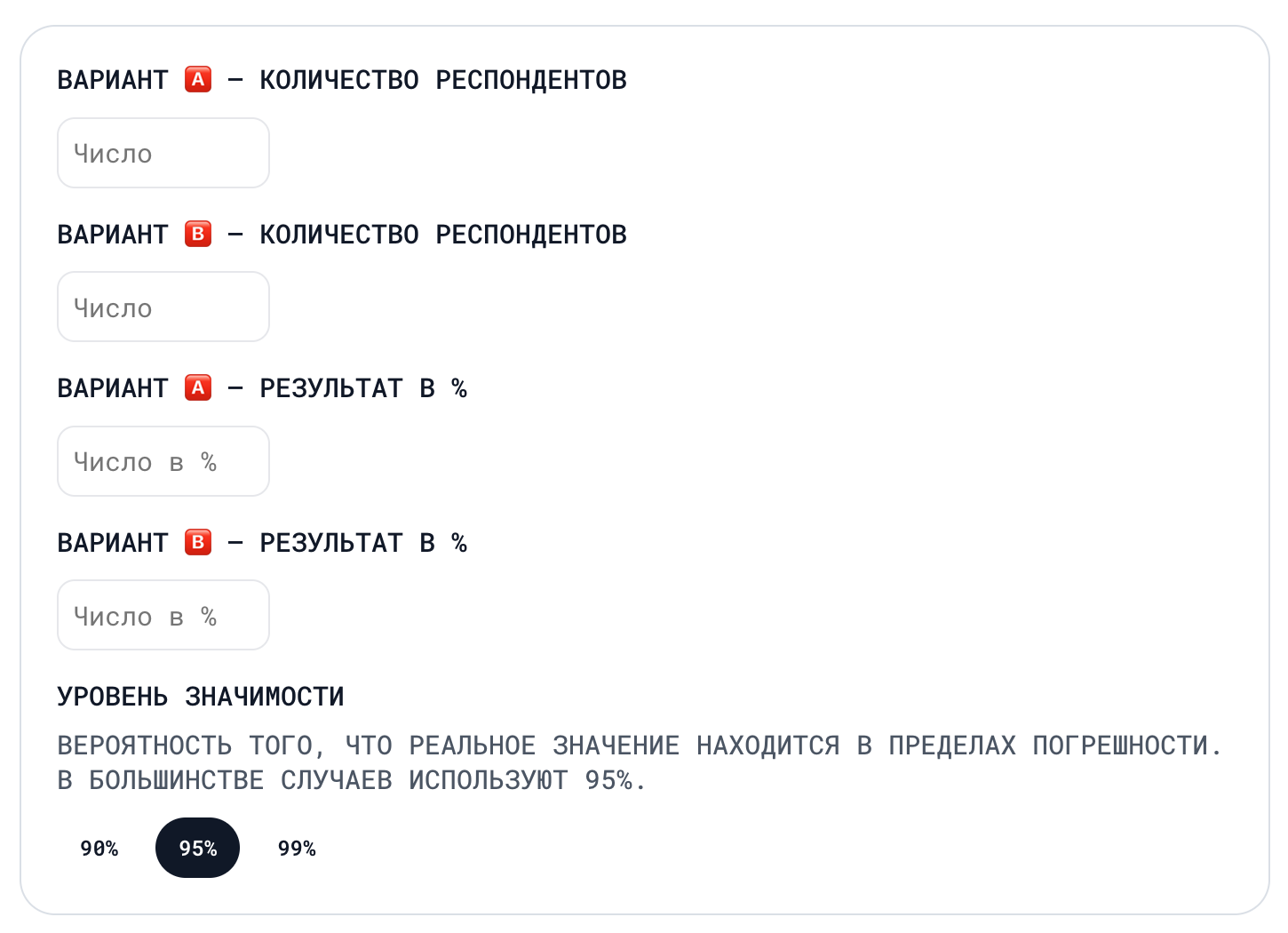
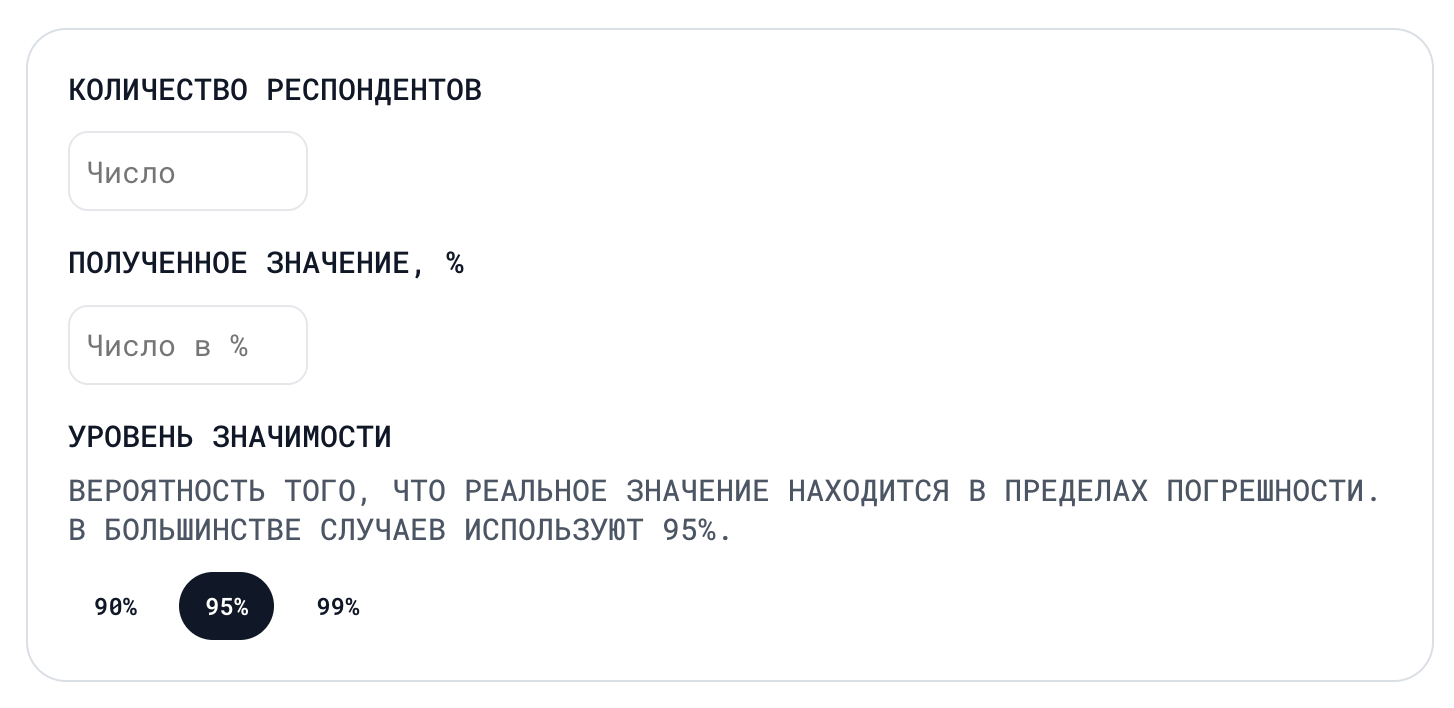
- If you need to generalize the result, check who was recruited and how. The interval captures uncertainty under the method’s assumptions. Assess recruitment bias separately.
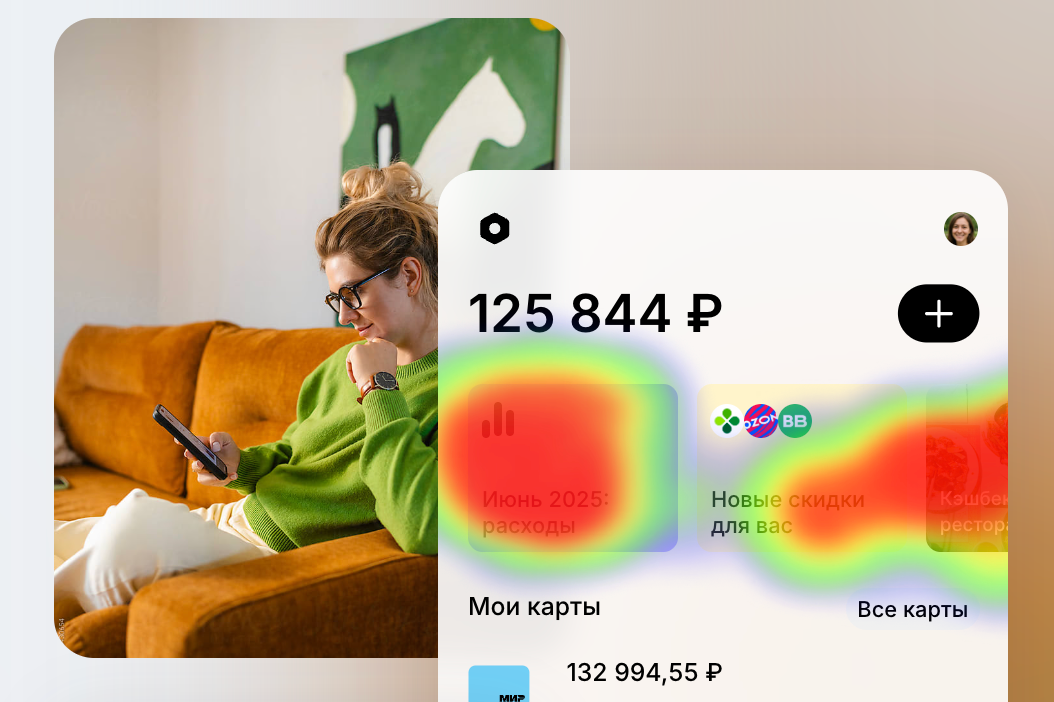
- If the study used a prototype, analyze how participants interacted with it. Session recordings show where people struggled. Transition maps reveal common paths. Heatmaps highlight where participants interacted with the interface.